CREATOR TOOLS · FCP ACADEMY

Organic Film Burns.
Drop & Go.

50 film burn and light-leak overlays that smooth your cuts and make your footage feel cinematic. Drop one between two clips, set the blend mode to Screen. Done.

50 overlays .mov files · any NLE FCP · Premiere · Resolve Instant download
Filmic Burn Pack

SEE THE BURNS IN ACTION

Organic Film Texture

Real analog film burn aesthetics: warm light leaks, chaotic overlays, and cinematic speed flashes to give your edit a handcrafted feel.

One-Step Application

Import the .mov file like normal footage. Place it on your timeline above the clip, set blend mode to Screen. Instant film look.

Works Everywhere

Compatible with Final Cut Pro, Premiere Pro, DaVinci Resolve, and any NLE that accepts .mov files.

WHAT'S INCLUDED

50 Overlays.
Six Categories.

  • Chaotic Light Overlays 3
  • Film Burn Overlays 10
  • Light Burn (Cool) 10
  • Light Burn (Warm) 14
  • Light Burn (White) 7
  • Light Speed Overlays 8
  • Installation & tips tutorial
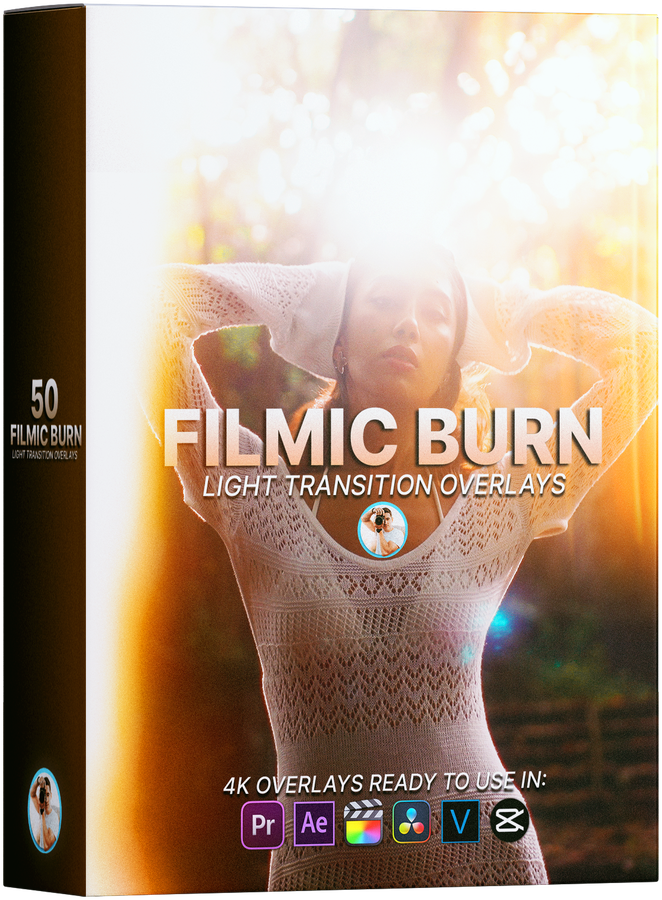
Filmic Burn Pack box
$39

One-time purchase · No subscription · Instant download

Get the Burn Pack Now

Instant download after purchase. Files yours forever.

THE COLLECTION

50 Overlays Across 6 Types

From subtle warm light leaks to full chaotic burns, a range to suit any mood or edit style.

10

Film Burn Overlays

Classic analog film burn textures. Warm, organic, and cinematic. Perfect for transitions between scenes.

14

Light Burn (Warm)

Golden and amber light leaks with a warm film-era feel. Great for adding warmth and nostalgia to your footage.

10

Light Burn (Cool)

Blue-toned light leaks for a cinematic, slightly melancholic aesthetic. Pairs beautifully with teal-graded footage.

7

Light Burn (White)

Clean white light leaks that add a bright, airy feel. Ideal for travel videos and bright, sun-soaked edits.

8

Light Speed Overlays

Fast, energetic light streaks for transitions, cuts, and high-energy sequences. Give your edit pace and movement.

3

Chaotic Light Overlays

Full-on chaotic exposures for dramatic, raw, or experimental moments where subtlety isn't the goal.

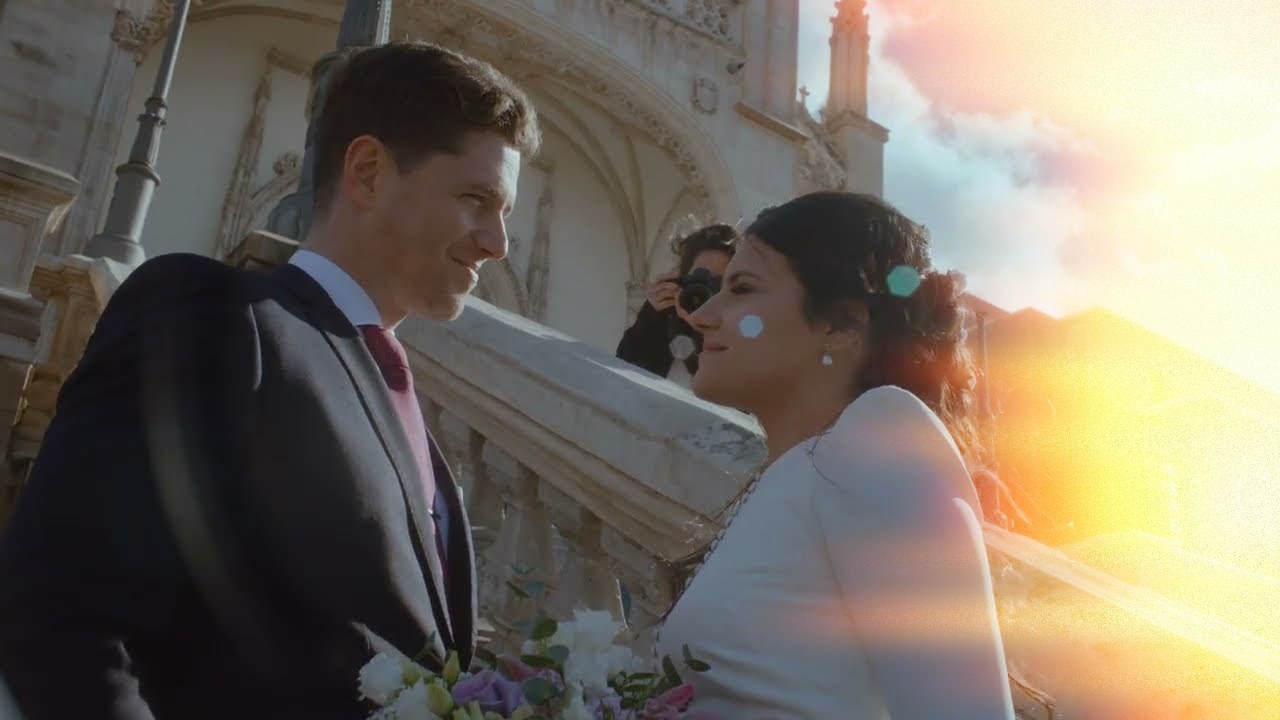
Filmic Burn overlay sweeping across wedding footage

SEE IT IN ACTION

Cinematic Style.
Zero Keyframes.

Drop any overlay on top of your footage, switch the blend mode to Screen, and you have an instant film burn or light leak. No masks, no keyframes, no fuss. Trim the overlay to the exact frame you want it.

Works as transitions between clips or as a stylistic flourish over a single shot.

INSTALLATION

Four Steps to Cinematic

1

Purchase & Download

Complete your purchase and download the zip file instantly. No waiting, no shipping.

2

Unzip & Watch the Tutorial

Open the zip file and watch the included installation and tips video before you start.

3

Import Into Your NLE

Import the .mov overlay files into your editing software like normal footage.

4

Place & Set Blend Mode to Screen

Drag an overlay onto a layer above your footage and set the blend mode to Screen. The black background disappears, leaving only the light burn.

COMPATIBILITY

Works With Your NLE

Any software that accepts .mov files and supports blend modes will work.

Final Cut Pro
Premiere Pro
DaVinci Resolve
After Effects
CapCut
Any .mov-compatible NLE

THE FINISHING TOUCH

Elevate Your Edits, Instantly

50 organic film burn overlays that smooth your cuts and add instant cinematic texture to any edit.

50 .mov overlays 6 overlay categories Works in FCP, Premiere, Resolve Instant download One-time purchase
Get the Filmic Burn Pack for $39