CREATOR TOOLS · FCP ACADEMY

Pocket-Sized Camera.
Pro-Level Color.

20 LUTs built specifically for the DJI Osmo Pocket 3: 10 for D-Log M footage and 10 for Normal footage. Apply one and your Pocket 3 clips stop looking like a vlog camera.

20 LUTs 10 D-Log M + 10 Normal Works in any editor that loads LUTs Instant download
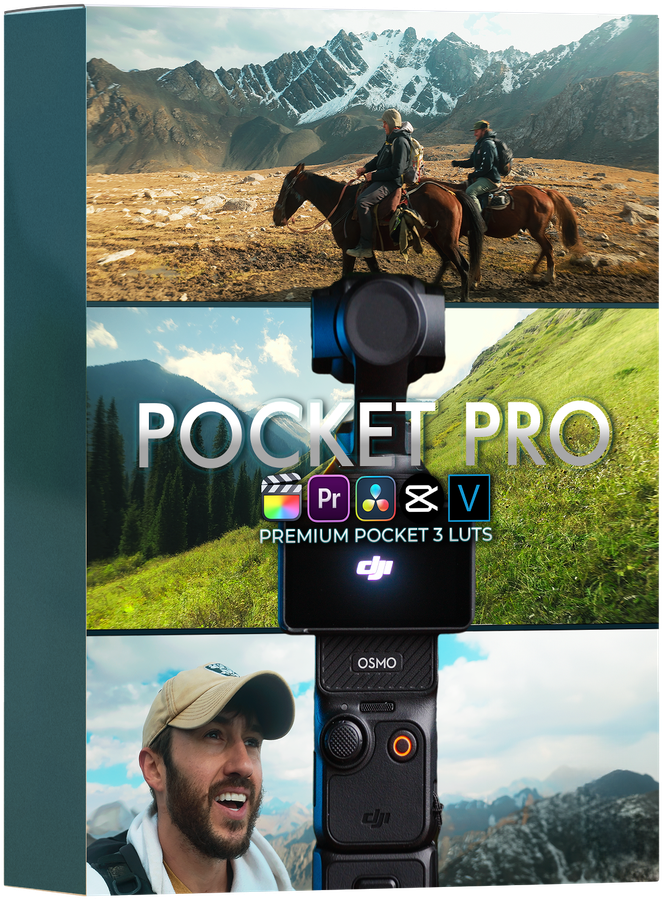
Pocket Pro LUTs

SEE THE LUTS IN ACTION

SEE THE LOOKS IN ACTION

Drag to Compare

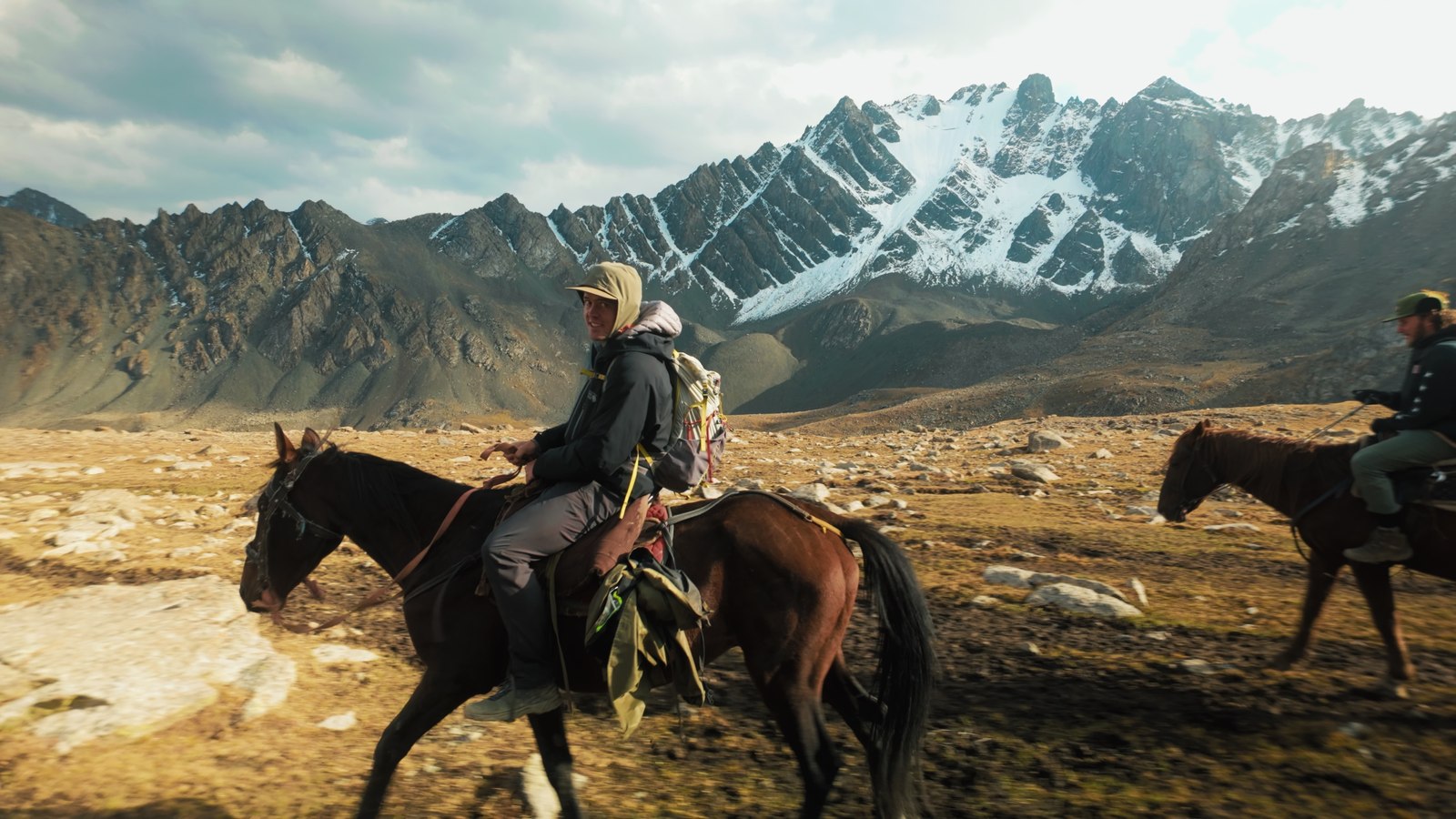
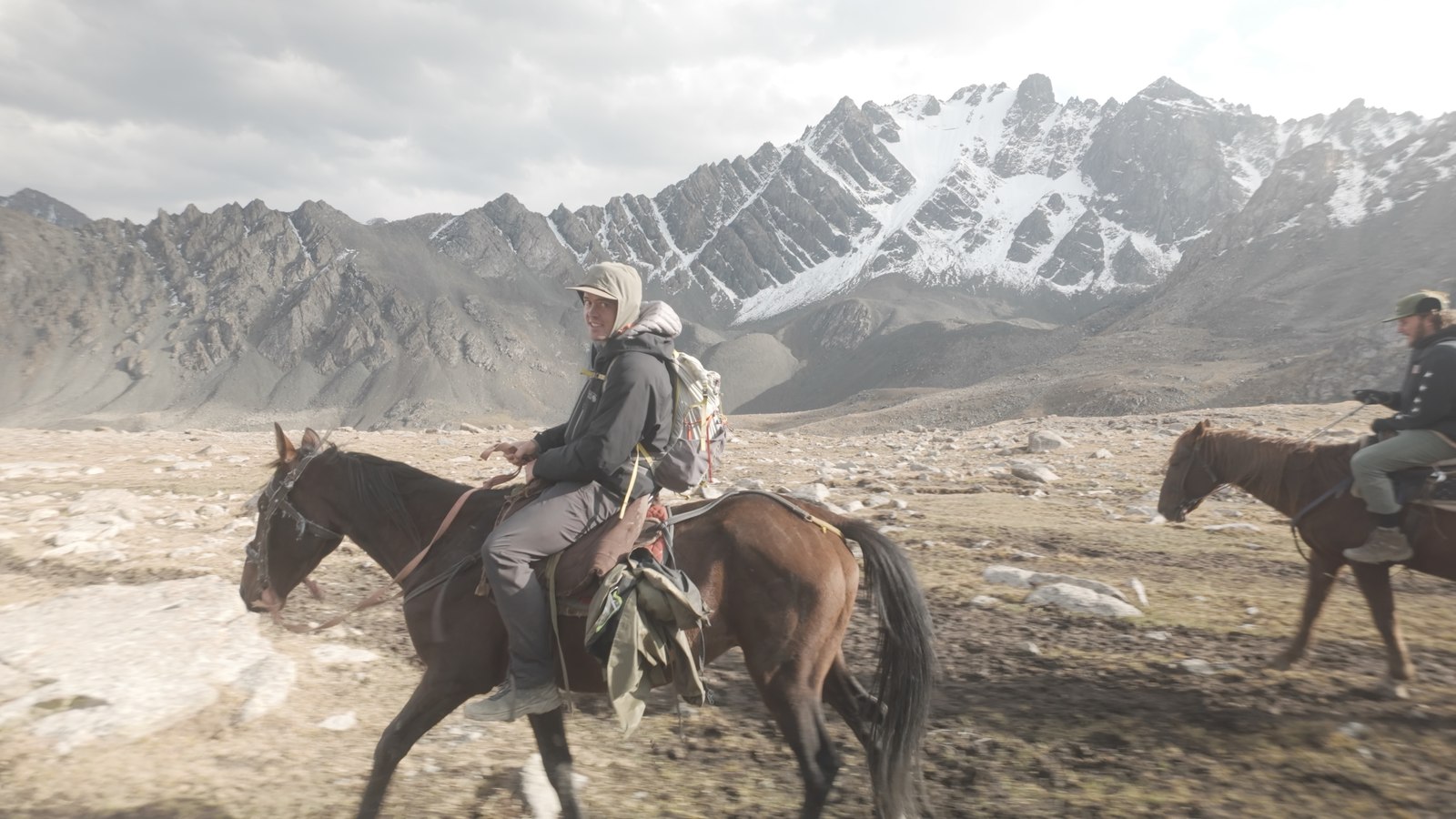
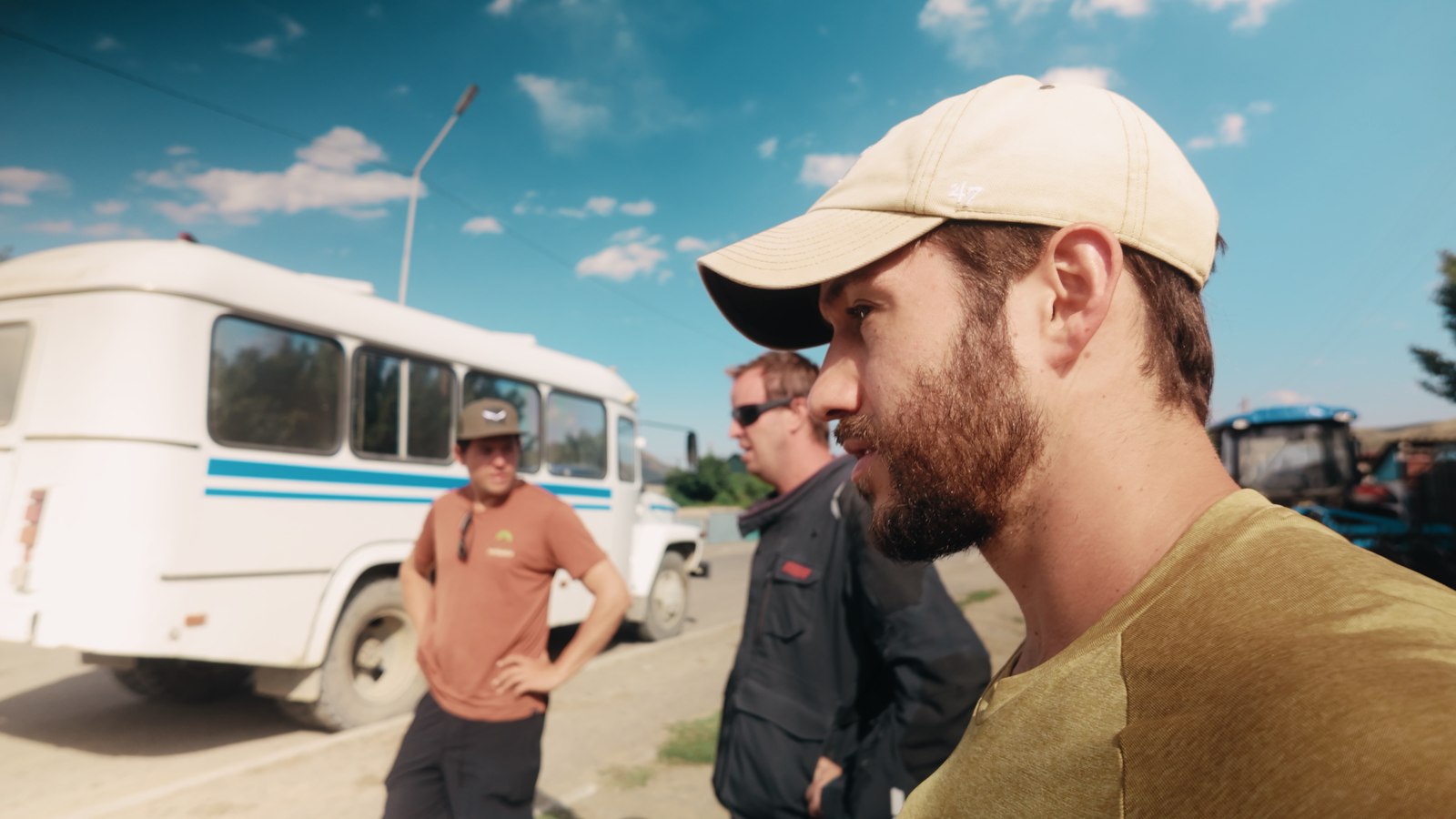
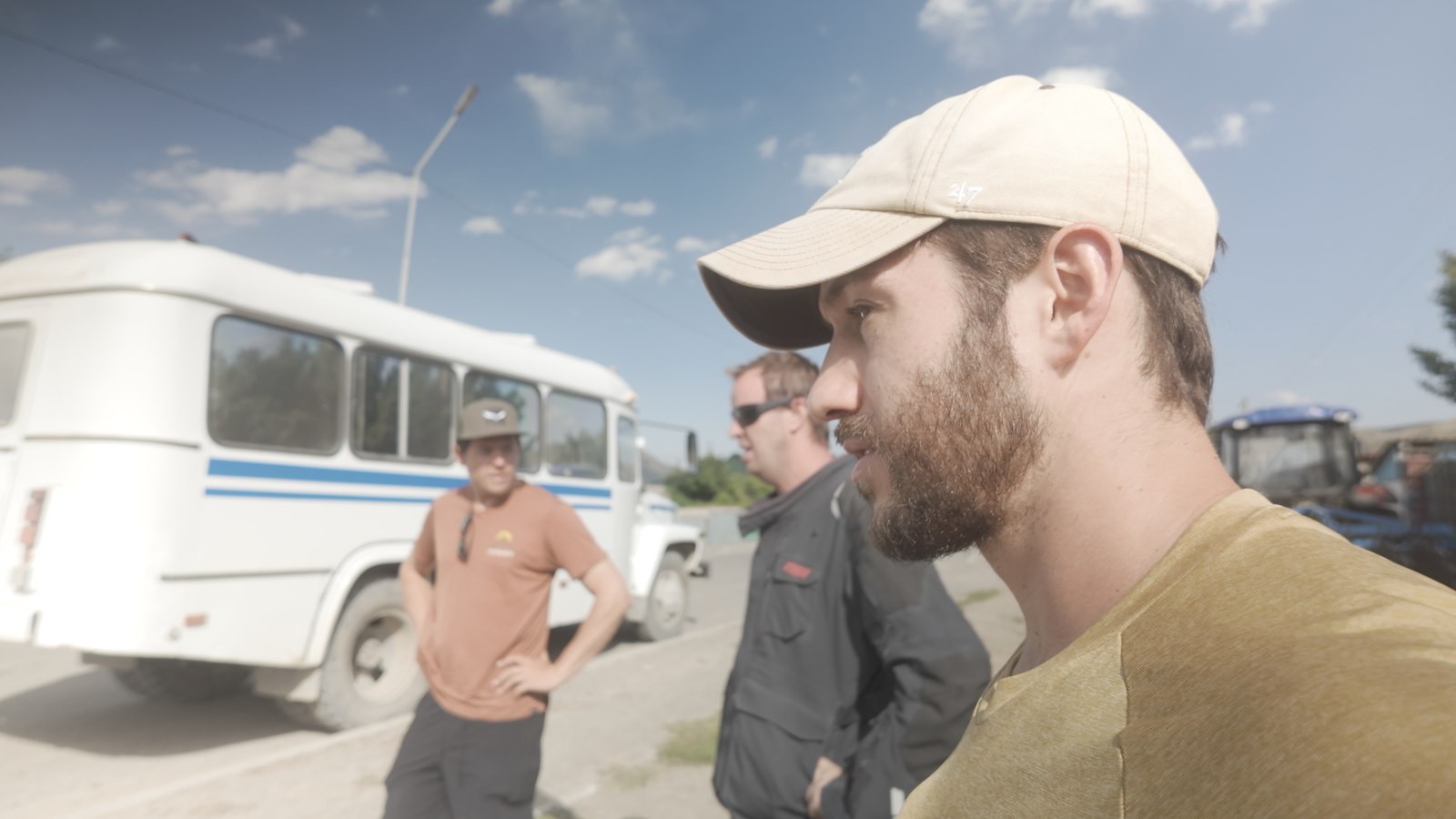
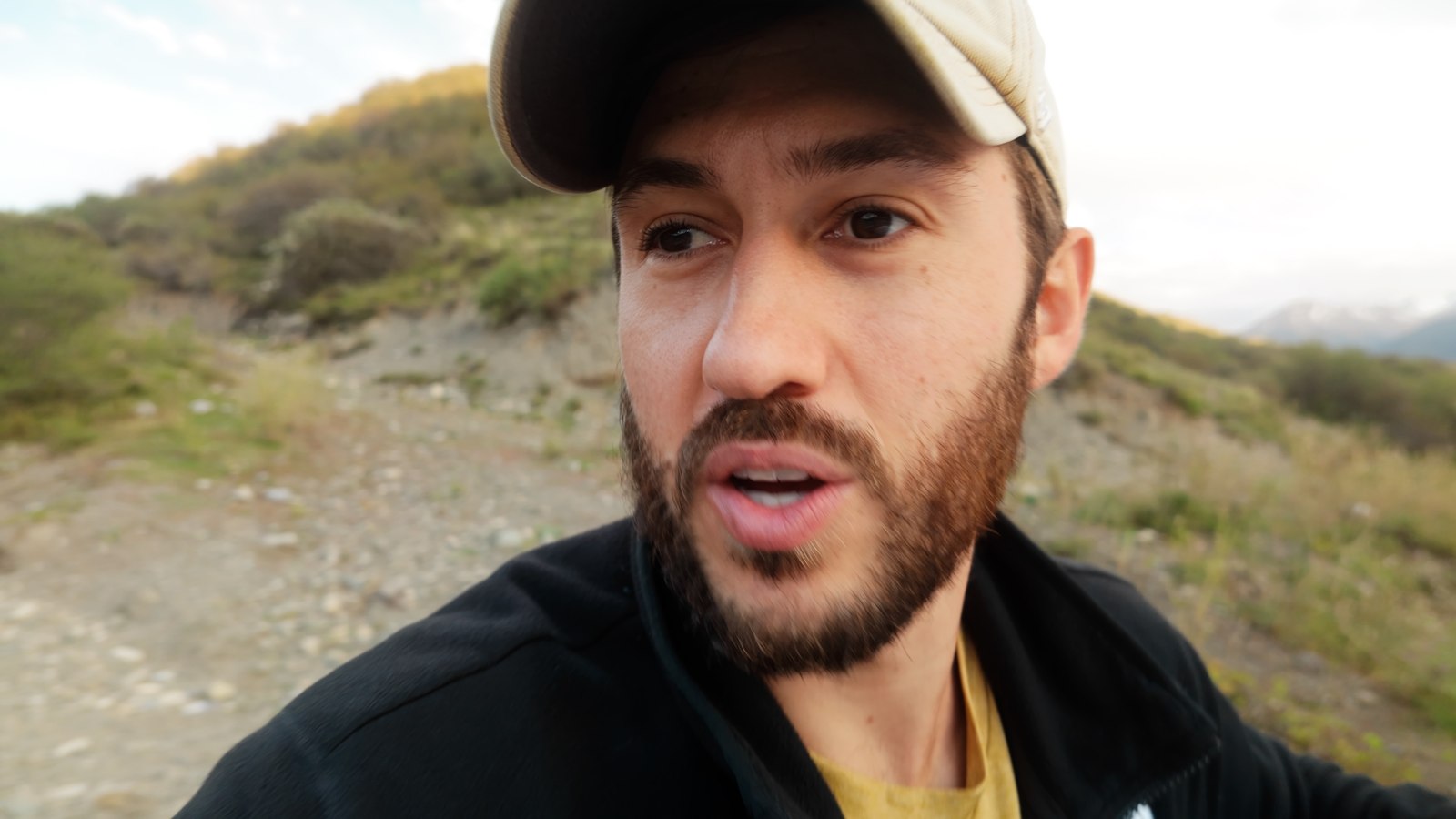
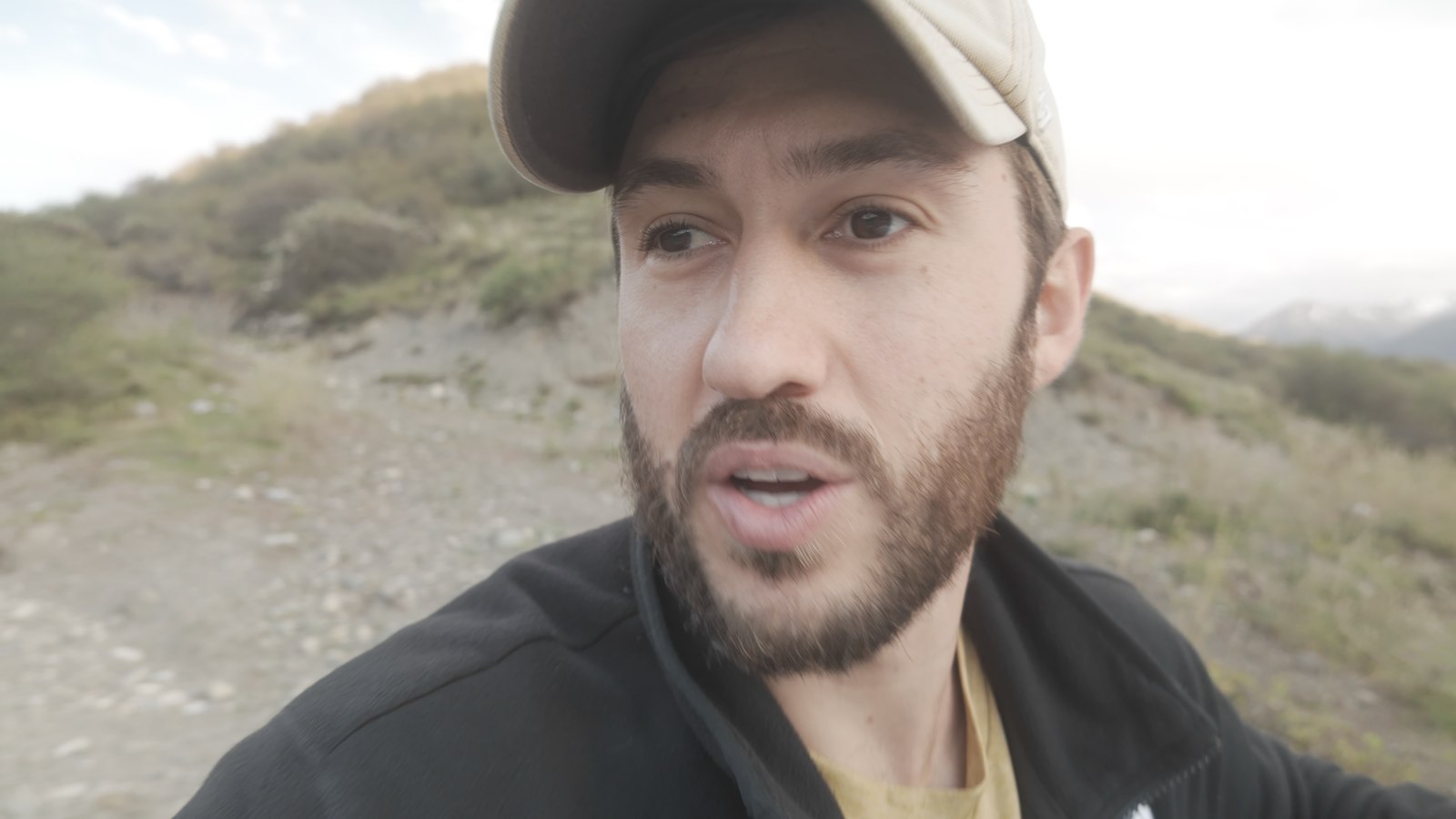
Real DJI Pocket 3 footage. Slide to see each look applied.

Vibrancy look applied
Original ungraded footage
BEFOREAFTER

VIBRANCY

The Lover look applied
Original ungraded footage
BEFOREAFTER

THE LOVER

Neutral look applied
Original ungraded footage
BEFOREAFTER

NEUTRAL

Fable look applied
Original ungraded footage
BEFOREAFTER

FABLE

Built for the Pocket 3 Sensor

Not generic LUTs. Every look was designed and tested on real DJI Pocket 3 footage, so skin tones, skies, and shadows land exactly where they should.

One-Click Color

Shoot in D-Log M or Normal, apply the matching LUT, and you are 90% of the way to a finished grade. Tweak exposure to taste and ship it.

Works Everywhere

Standard .cube files that load into Final Cut Pro, Premiere Pro, DaVinci Resolve, and any software that supports LUTs.

WHAT'S INCLUDED

20 LUTs.
Two Shooting Modes.

  • D-Log M LUTs 10
  • Normal (Rec 709) LUTs 10
  • Installation & tips tutorial
Pocket Pro LUTs box
$49

One-time purchase · No subscription · Instant download

Get Pocket Pro LUTs Now

Instant download after purchase. Files yours forever.

THE COLLECTION

Shoot flat for maximum flexibility or straight out of camera. Either way, there's a set built for your footage.

10

D-Log M LUTs

For footage shot in the Pocket 3's flat D-Log M profile. Full conversion plus creative grade in one step, with clean skin tones and rich, cinematic color.

10

Normal LUTs

Shot in the standard profile? These looks are balanced for Rec 709 Pocket 3 footage, adding style without breaking contrast or clipping highlights.

Install & Tips Tutorial

A walkthrough video covering installation in Final Cut Pro, Premiere, and Resolve, plus Dylan's tips for getting the most out of each look.

INSTALLATION

Four Steps to Pro Color

1

Purchase & Download

Complete your purchase and download the zip file instantly. No waiting, no shipping.

2

Unzip & Watch the Tutorial

Open the zip file and watch the included installation video. It covers FCP, Premiere, and Resolve.

3

Load the LUTs

Add the .cube files to your editor: Custom LUT effect in FCP, Lumetri Creative in Premiere, or a LUT node in Resolve.

4

Pick Your Look & Ship It

Match the LUT set to how you shot (D-Log M or Normal), pick a look, and fine-tune exposure to taste. Done.

COMPATIBILITY

Works With Your NLE

Standard .cube LUT files. Any software with LUT support will work.

Final Cut Pro
Premiere Pro
DaVinci Resolve
After Effects
CapCut
Any LUT-compatible app

MADE FOR THE POCKET 3

Make Your Pocket 3 Footage Look Pro

20 LUTs built for the DJI Pocket 3. One click, and your footage stops looking like it came from a pocket camera.

10 D-Log M LUTs 10 Normal LUTs Works in any editor that loads .cube LUTs Instant download One-time purchase
Get Pocket Pro LUTs for $49