NOW AVAILABLE

Skin, PoreFected.

Professional skin retouching for Final Cut Pro and Motion. Click Detect Skin and PoreFect finds the skin, lets you smooth the blemishes, remove the shine, but keep the pores.

One-click skin detection Final Cut Pro & Motion Fast & accurate No subscription
PoreFect skin smoothing plugin box

See It on Real Skin

Real examples of PoreFect in action.
Slide to see it applied.

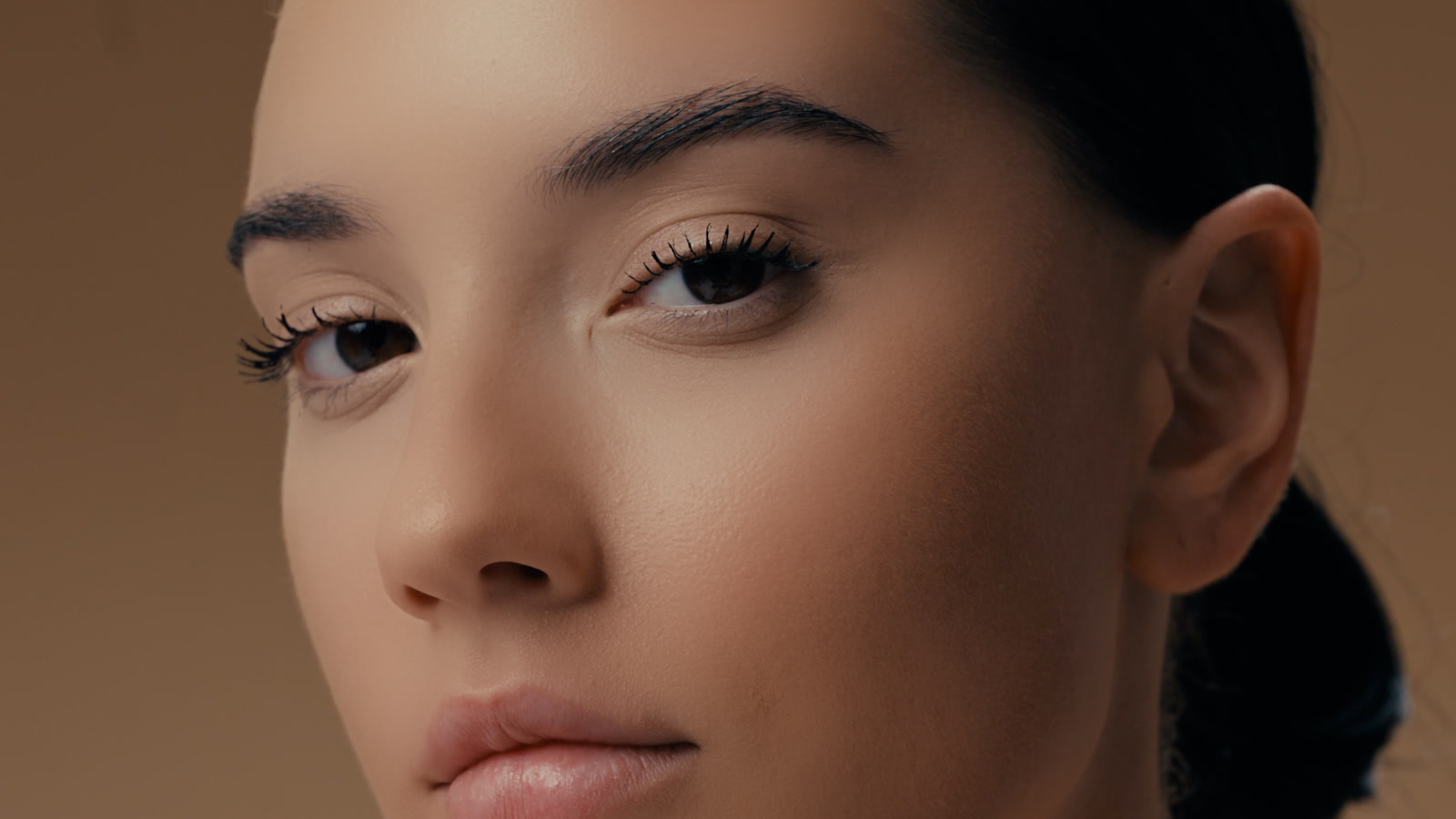
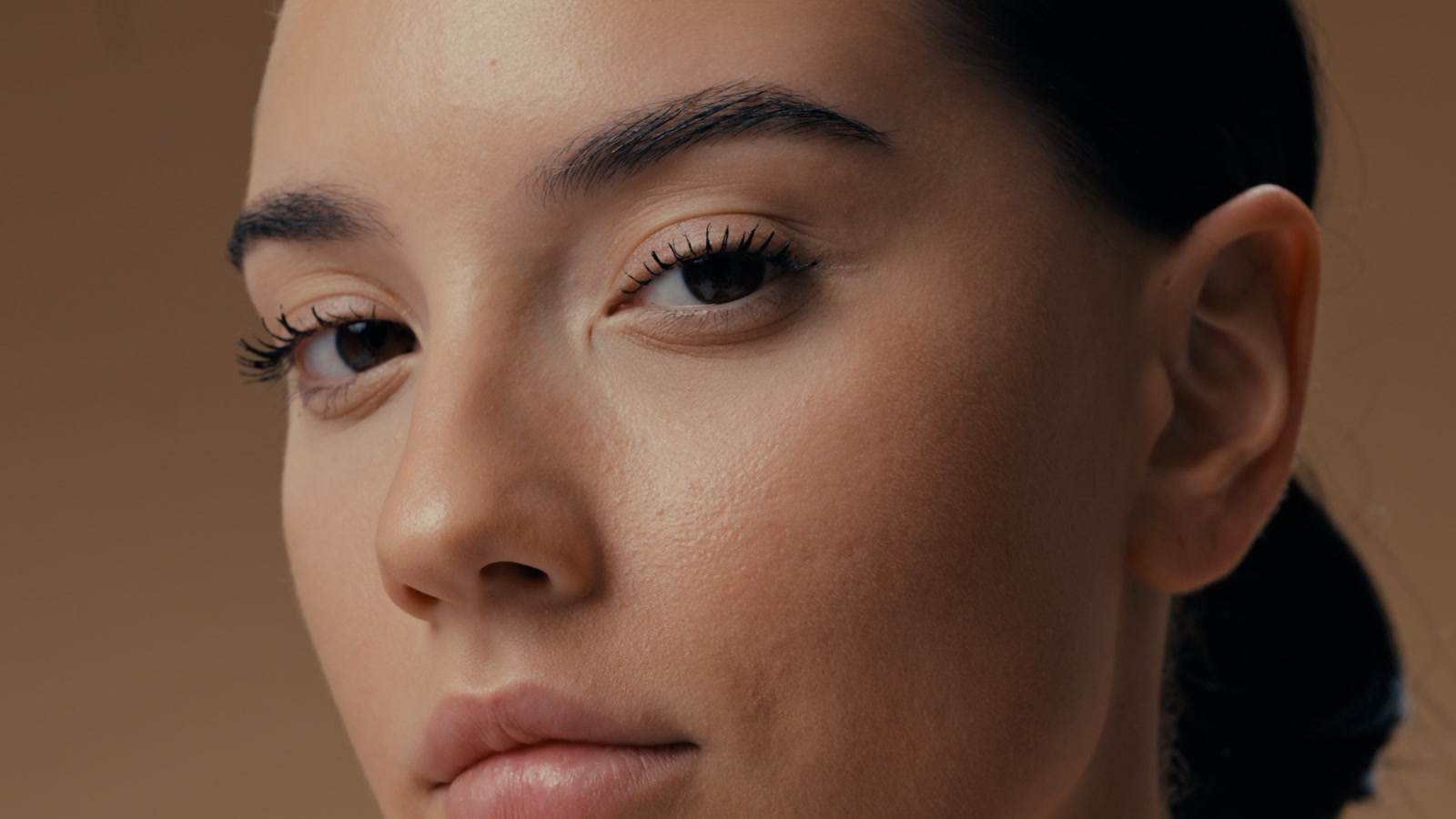
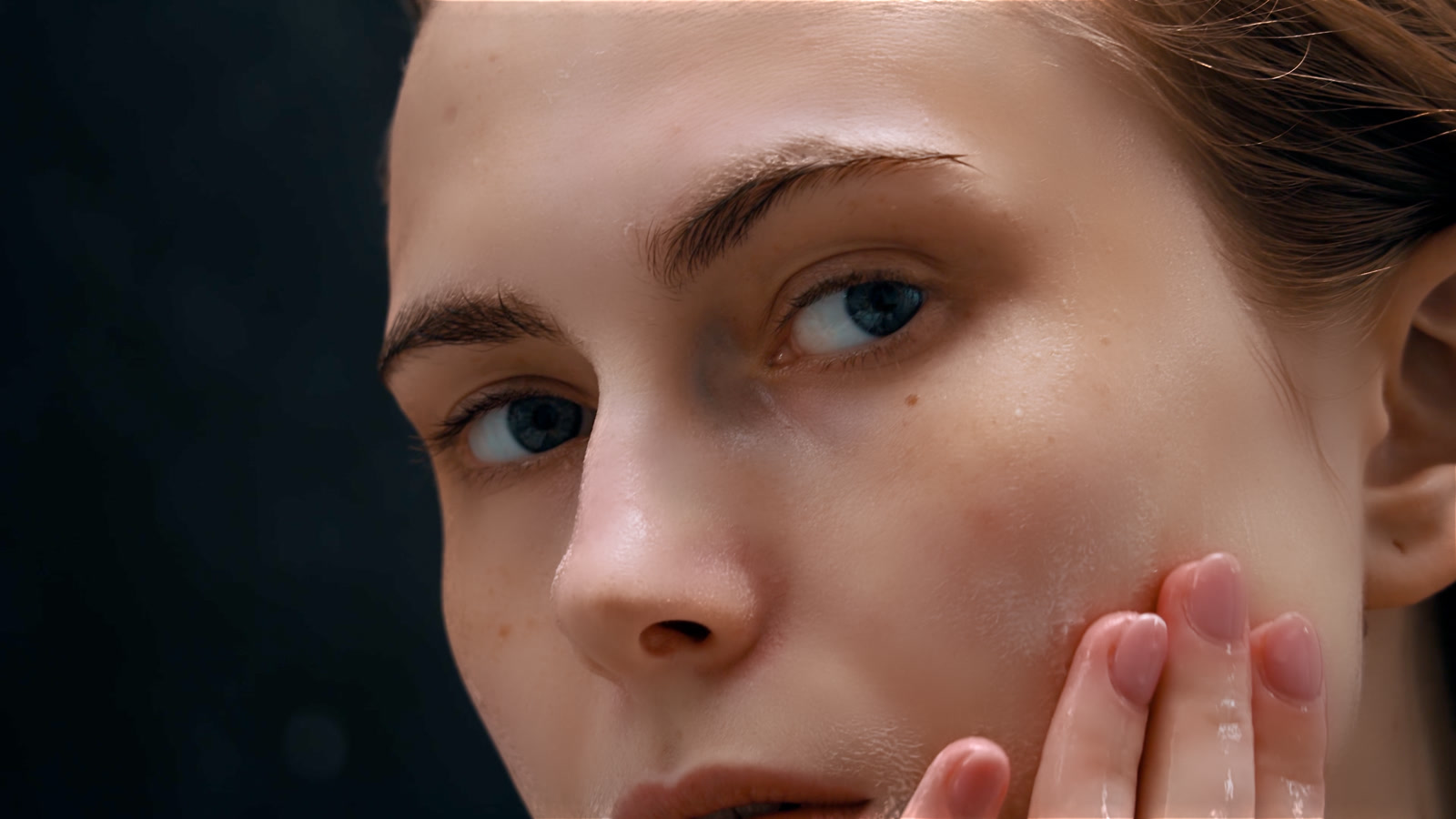
PoreFect applied, texture preserved up close
Original footage before PoreFect, up close
BEFOREAFTER
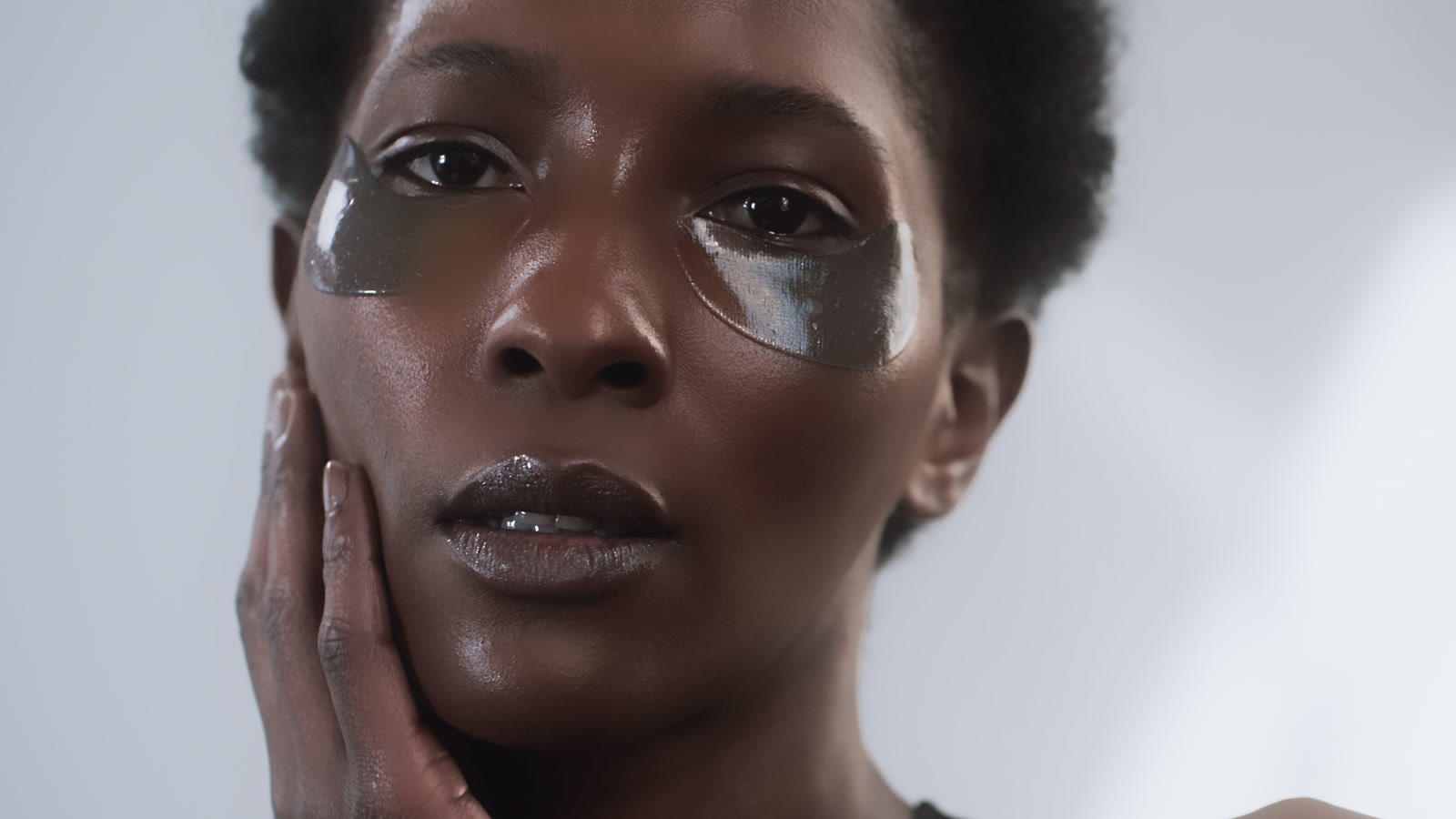
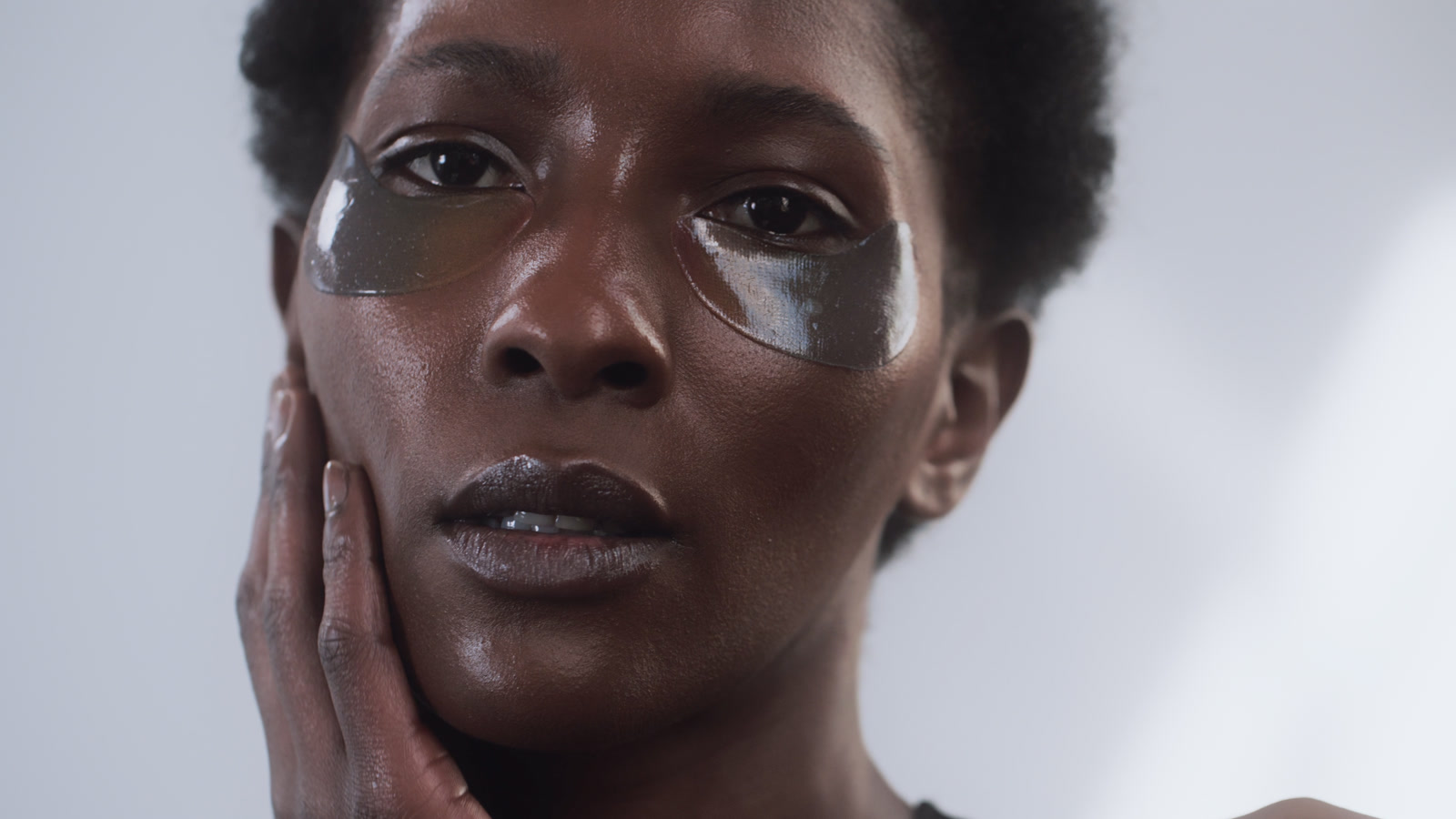
PoreFect tone and shine smoothing applied
Original footage before PoreFect
BEFOREAFTER
PoreFect applied, natural texture kept
Original footage before PoreFect
BEFOREAFTER
PoreFect applied, profile close-up
Original footage before PoreFect, profile close-up
BEFOREAFTER

See It in Motion

Side by side:
the original on the left, PoreFect on the right.

BEFOREAFTER

Real Reviews

Real messages from real editors and verified buyers, in their own words.

“The quality is really stellar… Surprisingly, yours exceeds in the quality of Digital Anarchy, but also manages to not slow down performance. Really good stuff.”

Matt C. (via email)

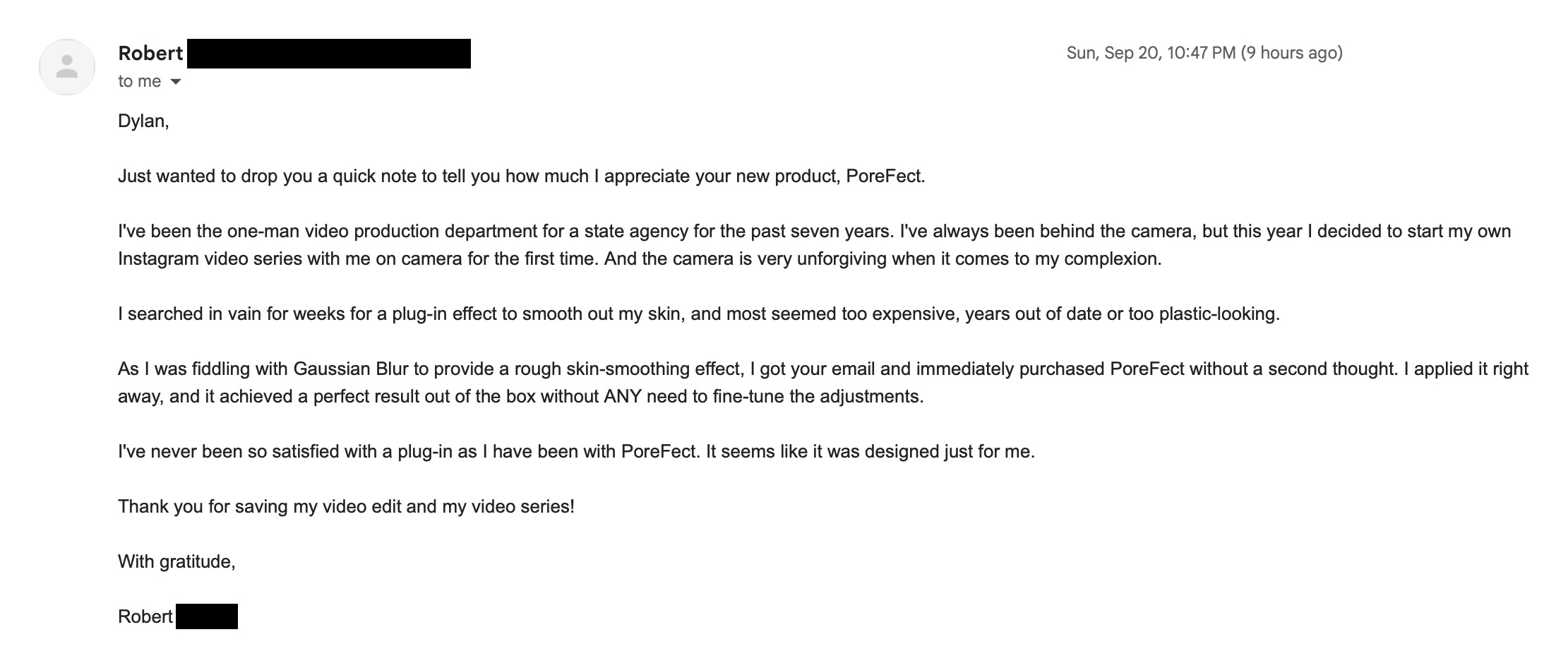
“I used it on my most recent YouTube video and it was SO easy. As a 55 year old woman making my skin look decent is challenging. I’m able to look like myself without being over the top smoothed. Great app!”

Melanie B., YouTuber (via email)

“The PoreFect is very easy to use and produce results to my liking. I usually shoot events with people, I am using it on all my projects now. Before this, I was using Boris FX Beauty Essentials occasionally, completely deleted it after installing PoreFect.”

Rupinder, event photographer & videographer (via email)
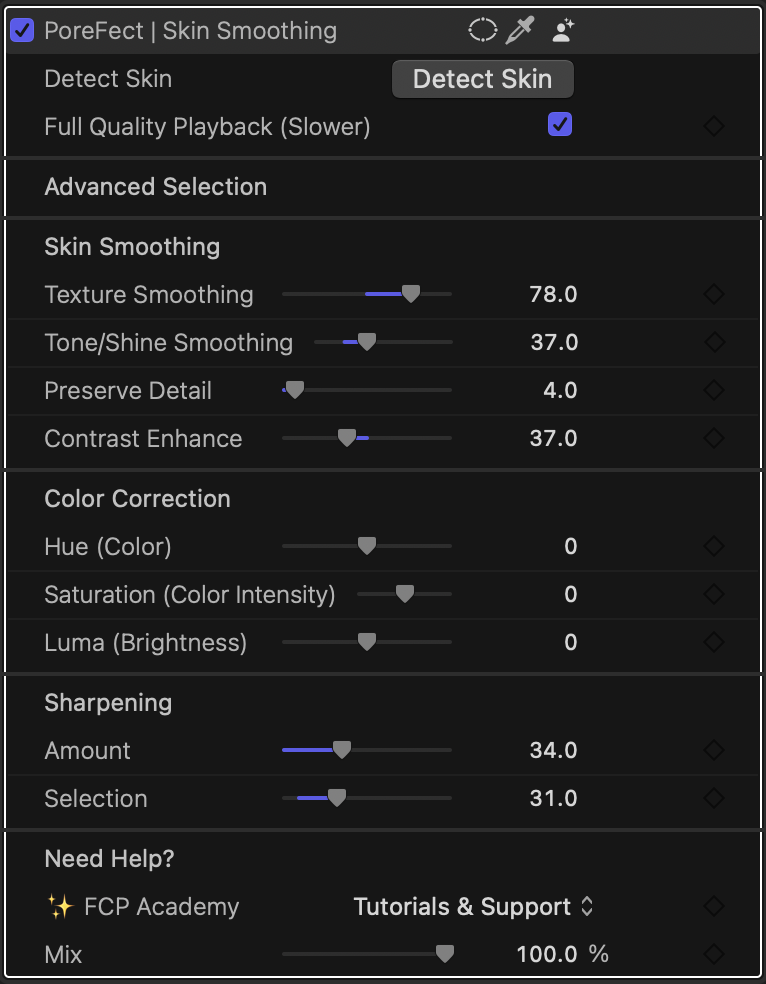
The PoreFect controls inside Final Cut Pro

The actual PoreFect controls, right in the Final Cut Pro inspector.

WHY POREFECT

Skin smoothing that actually looks good

Other plugins smooth everything skin-colored, including the extras in the background. PoreFect knows who your shot is about.

  • Easy. Press Detect Skin and PoreFect finds the skin in your shot. Two tone pickers let you dial the selection exactly where you want it, so tricky lighting never boxes you in. No masks to draw, no tracking.
  • Reliable. Skin is detected once and keyed the same way on every frame, no per-frame guessing. Runs 100% on your Mac, notarized by Apple.
  • Honest value. It does about 80% of what the leading $200+ Final Cut Pro plugin does, for a fraction of the price. And you only pay once.
  • No cheap blur. Intelligent two-band smoothing keeps real texture: blemishes and shine go, pores stay. Nobody can tell an effect was there.

WHAT'S INCLUDED

One Plugin.
Every Face Covered.

  • PoreFect plugin for Final Cut Pro & Motion ✓
  • One-click skin detection with Highlight & Shadow tone pickers ✓
  • Two-band smoothing engine (Tone/Shine + Texture) ✓
  • Focus Priority: the effect favors your in-focus subject ✓
  • Hue, saturation & luma correction for detected skin ✓
Leading skin smoothing plugin$199
PoreFect$59

About 80% of the result, for a fraction of the price.

PoreFect box
$59

One-time purchase · No subscription · Instant download

Get PoreFect Now

Instant download after purchase. The plugin is yours forever.

Secure checkout VISA PayPal Pay

COMPATIBILITY

Made for Final Cut Pro and Apple Motion

Runs 100% on your Mac. No cloud, no uploads, and it works however you own Final Cut Pro.

Creator Studio or lifetime version
Motion
Apple silicon & Intel
GPU-accelerated (Metal)
Works flawlessly with FCP's Auto Masks

Requires macOS 15 or later and Final Cut Pro 12.3 or later.

Make Everyone You Film Look Their Best

One-click skin detection Focus Priority Two-band smoothing Skin-targeted color correction One-time purchase
Get PoreFect · $59